Make every interface feel intentional.
RedPenn reviews the page in front of you, finds the design and accessibility issues that weaken it, and tells you what to fix first.
How RedPenn works
Move from “something feels off” to a ranked list of decisions your team can act on.
Open the page
Use RedPenn on the live website or local product screen you want to review.
Add the intent
Tell the critic what the page should achieve and how it should feel.
Run the audit
RedPenn checks the visible design together with the page structure.
Fix what matters
Start with the highest-impact issues and use the specific recommendations.
Product review
See the problem.found it.
Know the next move.
RedPenn turns visual critique into a report your team can use: a clear score, the most important issues, why they matter, and concrete fixes.
Use it before launch, during QA, or whenever a page feels wrong but the problem is hard to name.
Same page, one fix brief later.
folde.work before and after following its RedPenn fix brief: the primary action gets the weight, and the services ticker now passes contrast. Drag to compare.
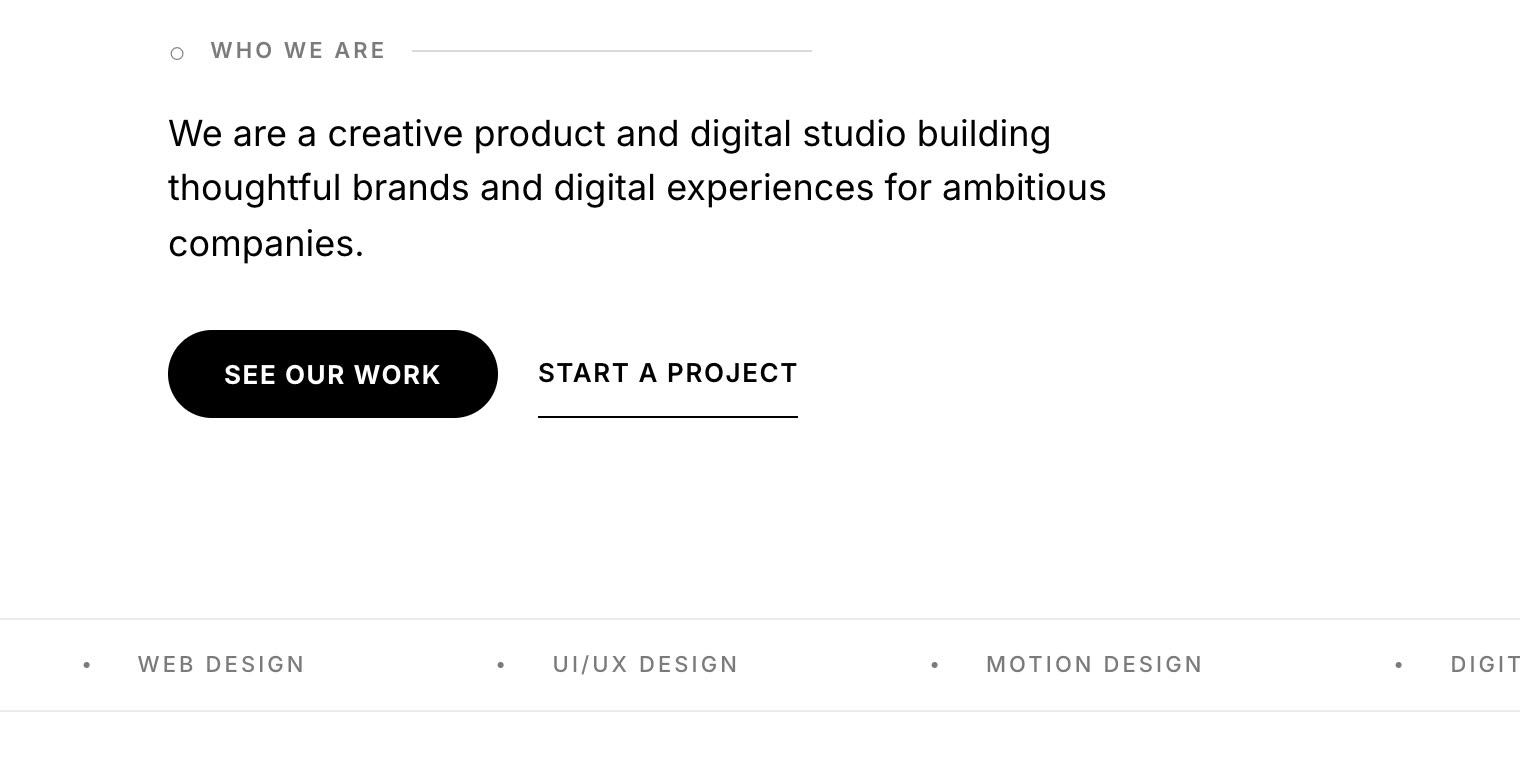
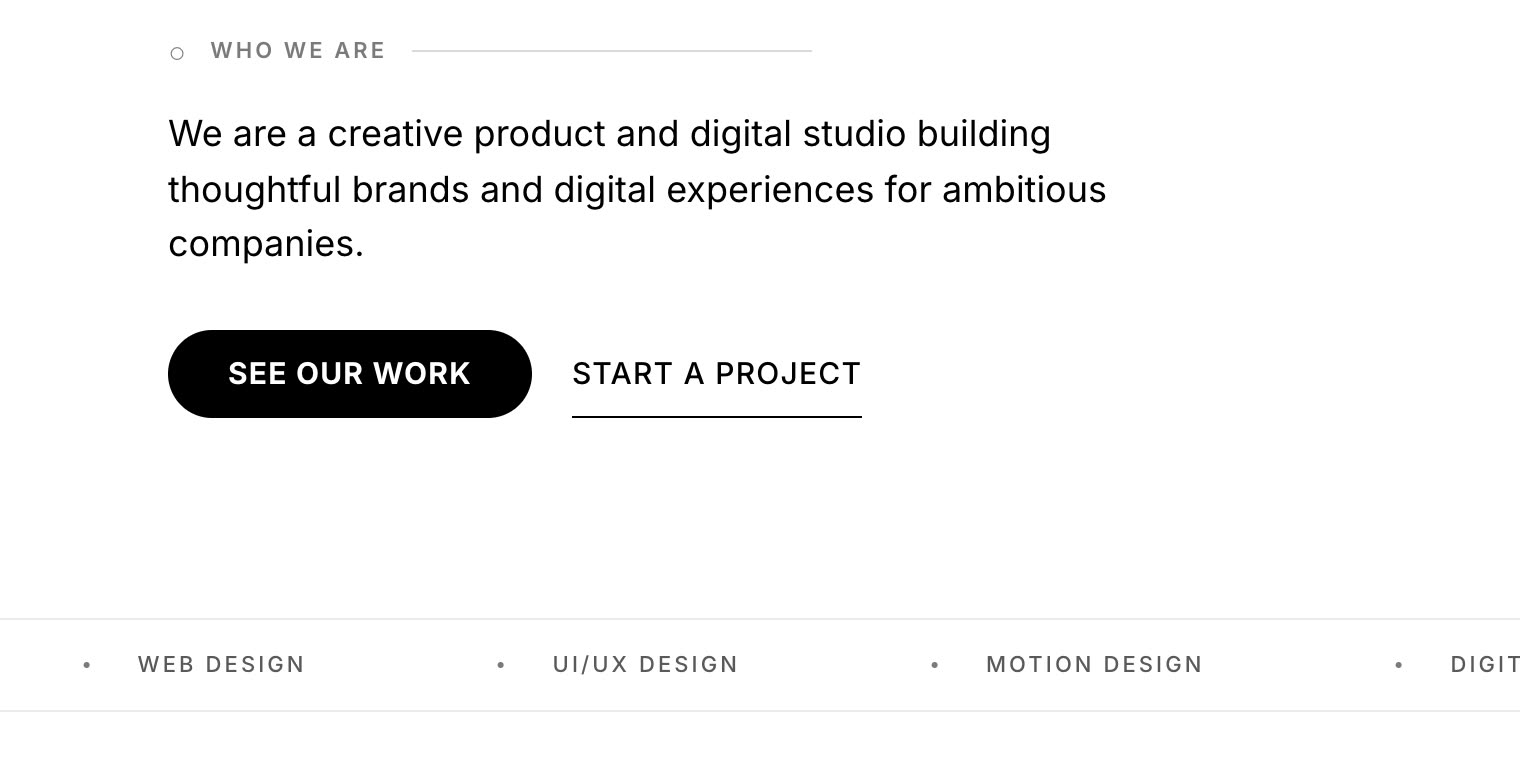 fixed.
What the audit covers
One review. Multiple design skills.
RedPenn combines visual critique with page-structure checks, so teams get feedback that is both design-aware and practical to implement.
Hierarchy and clarity
Checks whether the page communicates the main message quickly, with clear headings, readable sections, and an obvious next action.
Accessibility and code health
Reviews labels, alt text, focus visibility, contrast, semantic structure, and interaction details that affect real users.
Originality and brand feel
Flags generic AI-patterns, safe-but-forgettable layouts, weak imagery, and moments where the interface needs more point of view.
Conversion and trust
Looks at CTA language, friction, confidence signals, form clarity, and whether the page gives users enough reason to continue.
Inside every report
Clear priorities. Specific fixes. One next move.
Get the score, the evidence, why each issue matters, and the changes worth making first.
Install the UI Design Engineer skill
Build with the same standards: use the free skill in your AI coding tool while you work, then use RedPenn for the final review in the browser.
- Open it on GitHubReview the skill or download it.
- Add SKILL.md to your AI toolUpload or paste the file.
- Build with itAsk your agent to apply it before you ship.